
At home or on the go, the get win app lets you enjoy cricket betting, Live Casino, and slots from anywhere. Fast loading, a clean interface, and instant transactions via Mobile Pay and Nagad.
The Get Win app is available for free on both Android and iOS
Compatible with any smartphone or tablet running Android 6.0 or higher. Download the APK file directly and complete installation in just 2 minutes.
A seamless experience on both iPhone and iPad. Fully supported on iOS 13 and above, with Face ID and Touch ID login.
You can also play in your browser: No app? No problem — getwin.wine works just as well directly in your mobile browser (Chrome, Safari, Firefox). That said, the app gives you push notifications, faster loading, and offline features.
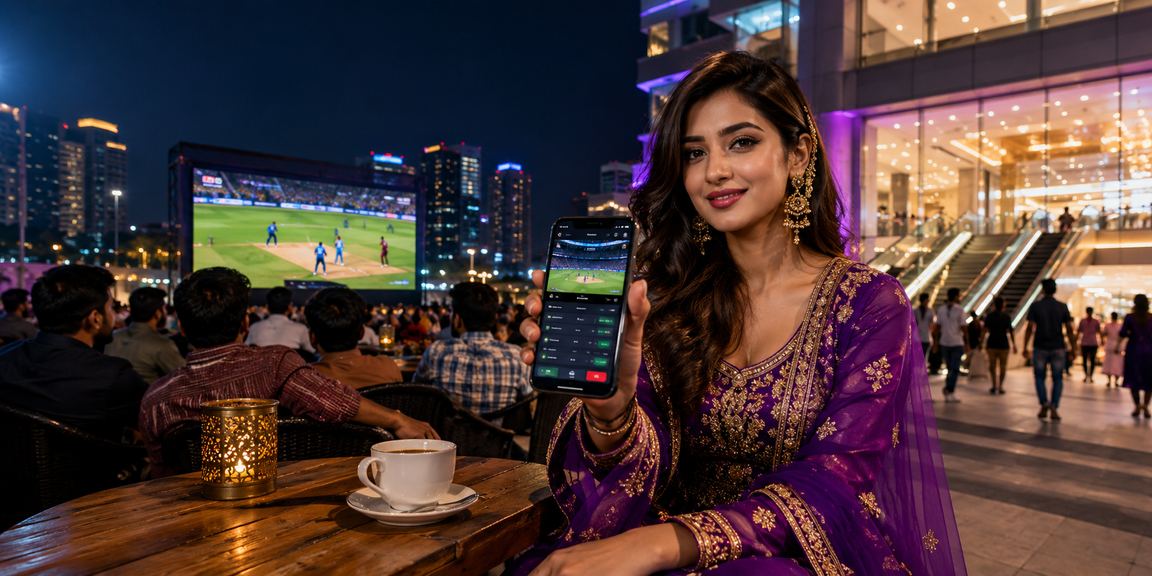
Bangladesh now has over 100 million mobile internet users. People are comfortable doing everything on their phones — from banking to entertainment. With that in mind, get win The app was built with Bangladeshi users in mind.
One of the biggest advantages of the get win app is how lightweight it is — just 38 MB. Many betting apps take up over 100 MB, but get win is compact enough to run smoothly even on older phones. No need to worry about storage space.
📱 Good to know: On Android, you'll need to enable "Unknown Sources" the first time you install an APK. Go to Settings → Security → Unknown Sources and turn it on. On iOS, no such step is needed — it installs directly. If you run into any issues, our support team is available in Bangla.
Another major advantage is how well it adapts to varying connection speeds. Internet quality can be inconsistent across Bangladesh, but the get win app holds up on 2G and runs completely smooth on 4G or WiFi. Even Live Casino video buffering is noticeably reduced.
Depositing and withdrawing via Mobile Pay or Nagad is even easier in the app. Your mobile banking number is saved, so you never have to re-enter it. One click to deposit, three clicks to withdraw — that's the real power of the get win app.
Many users run into a little trouble installing the APK for the first time — but it's actually very simple. Just follow the steps and you'll have it figured out after your first try.
First, go to your phone's Settings and look for Security or Privacy. Find the "Install unknown apps" or "Unknown sources" option and enable it. Then tap the download button for the get win app. Once the file downloads, tap "Install". Installation completes in just 1–2 minutes.
Once installed, open the app and log in to your get win account. New users can register directly — the whole process takes under 5 minutes.
Many assume the app offers the same experience as the browser — but the get win app comes with exclusive features you simply won't find on the web.
Push Notifications — Get instant notifications on your phone when a cricket match starts, a goal is scored, or your withdrawal request is processed. Never miss a thing.
Biometric Login — No need to enter your password every time. Log in instantly with Face ID or your fingerprint.
Fast Loading — Once installed, the app caches data locally so pages don't have to reload from scratch every time. It opens up to 3x faster than a browser.
Exclusive App Bonus — App users occasionally receive exclusive bonus offers not available to browser users.
Installing the Get Win app is simple — it takes under 2 minutes
Tap the "Android Download" button above. The APK file will begin downloading automatically.
Go to Settings → Security → enable "Install unknown apps" or "Unknown Sources".
Open the getwin.apk file from your Downloads folder. Tap "Install".
Open the app and log in or register. Check your balance and start playing.
Tap the "iOS Download" button above. Open the link in Safari.
Tap "Allow" or "Install". Enter your Apple ID password if prompted.
Go to Settings → General → VPN & Device Management and tap "Trust".
Open the app and log in once. After that, use Face ID or Touch ID to sign in instantly.

More than just a browser — get win app gives you more
Match start, goals, wickets, withdrawal confirmed — get instant alerts for everything. Never miss a moment.
Log in instantly with Face ID or fingerprint. No need to remember your password every time.
The app caches data locally, so pages load much faster — and it works even on a weak network.
Save your Mobile Pay, Nagad, or Rocket details once. After that, deposit or withdraw in a single tap.
App users get exclusive offers available only on the app — not accessible via browser.
SSL encryption, two-factor authentication, and auto logout — security is even stronger on the app.
| Feature | Android | iOS |
|---|---|---|
| Minimum Version | Android 6.0 | IOS 13.0 |
| RAM Required | 2 GB+ | 1 GB+ |
| Storage | 38 MB | 42 MB |
| Live Casino | ✓ | ✓ |
| Fingerprint Login | ✓ | ✓ |
| Face ID | On some devices | ✓ |
| Push Notifications | ✓ | ✓ |
| Offline Data Cache | ✓ | ✓ |
| Dark Mode | ✓ | ✓ |

What get win app users across Bangladesh are saying
Haven't touched a browser since installing the app. Everything is so much easier in one place. Withdrawal notifications through Mobile Pay come through instantly.
The app runs great on my old Redmi Note 5. I wasn't sure it would handle an older phone, but it works brilliantly. I do live betting during cricket matches and there's zero lag.
Face ID login on iPhone is my favorite feature. I also received an app-exclusive bonus last month. Give them a few more features and I'll bump it up to 5 stars.
I live in a village with a weak connection, but the get win app works just fine. I can check live scores and place bets without any trouble. Haven't needed any other app since.
Followed the install guide and had zero hassle setting it up. The only step was enabling Unknown Sources — after that, everything installed automatically.
I play baccarat in Live Casino. Video runs without any buffering in the app. Other sites used to lag — get win is a huge improvement.
Frequently Asked Questions
Over 5 million Bangladeshis are already using the get win app. Download now — free, safe, and fast.
Free to download · Only 38 MB · Supports Android 6.0+ and iOS 13+